Axoflow Platform · Management
One console for your entire security data pipeline
AxoConsole is the management plane of the Axoflow Platform — the UI for deploying and configuring AxoRouter and AxoEdge instances, monitoring data flows, and controlling who can see and change what. Run it as SaaS, on-premises, or fully air-gapped.
Why AxoConsole
Single pane of glass
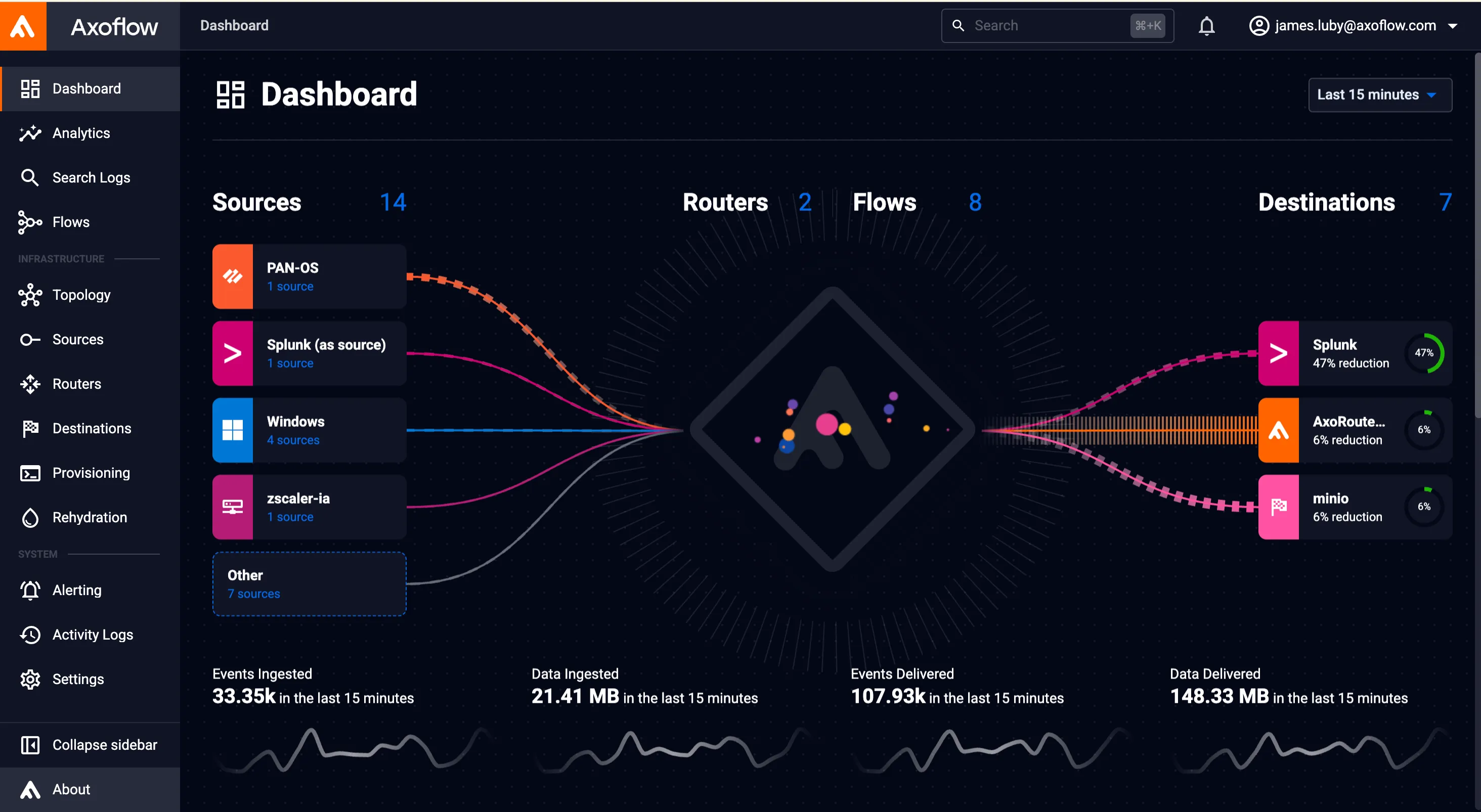
See every source, router, flow, and destination across your entire pipeline from one console.
Deploy your way
SaaS, self-managed on-premises, air-gapped, or hybrid — the same console, the same experience.
Real-time diagnostics
Drill into queue capacity, usage, and connection details on the Topology page to pinpoint throughput or connectivity issues fast.
Governed by design
Role-based access control, email/domain/group-based authorization, and a full activity log keep changes accountable.
Deploy, monitor, visualize, and govern
Choose your deployment model
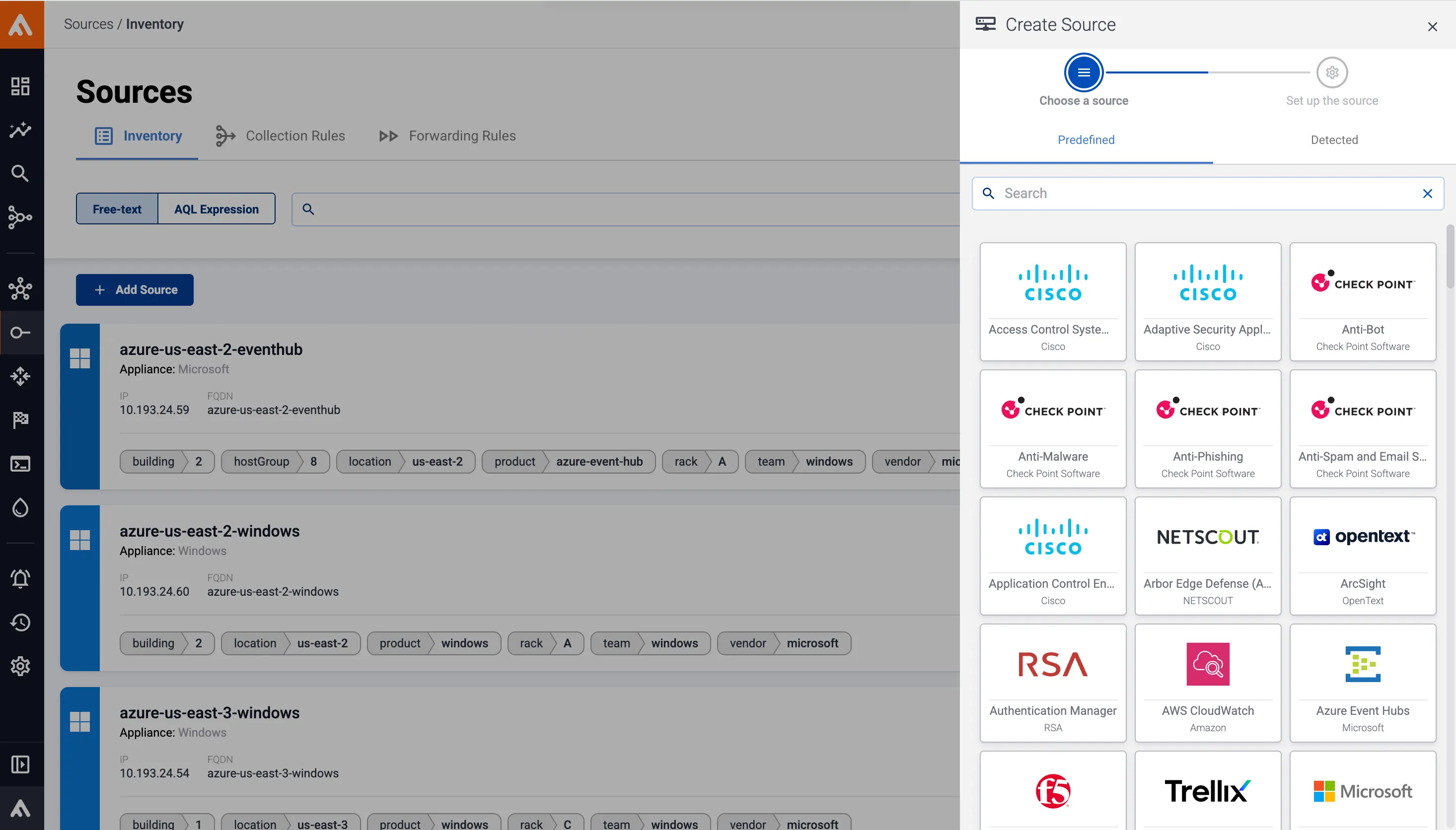
Run AxoConsole as a SaaS solution with no deployment required, self-managed on-premises, or in an air-gapped environment — hybrid setups are supported too.
Dashboard at a glance
The Dashboard shows the number of Sources, Routers, Flows, and Destinations, updated every 10 seconds, plus a simplified topology view and data-reduction metrics per destination.

Real-time topology
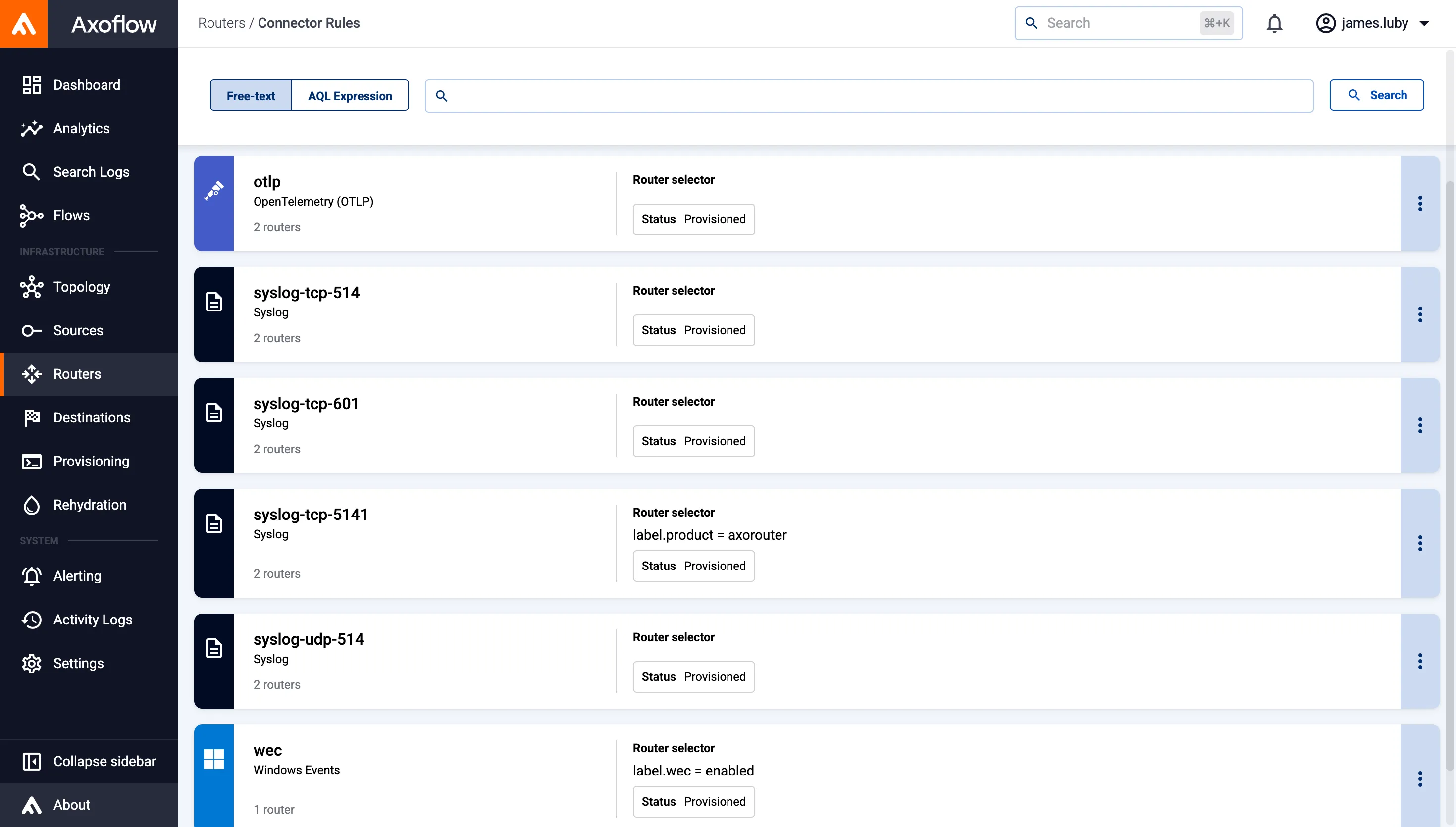
The Topology page maps every edge-to-edge data flow, lets you filter and group hosts using Basic Search or AQL expressions, and flags active alerts directly on the map.
Role-based access
Assign built-in roles like admin, infrastructure-manager, or content-viewer by email address, email domain, or user group, so people only see and touch what their role allows.

Fleet-wide observability
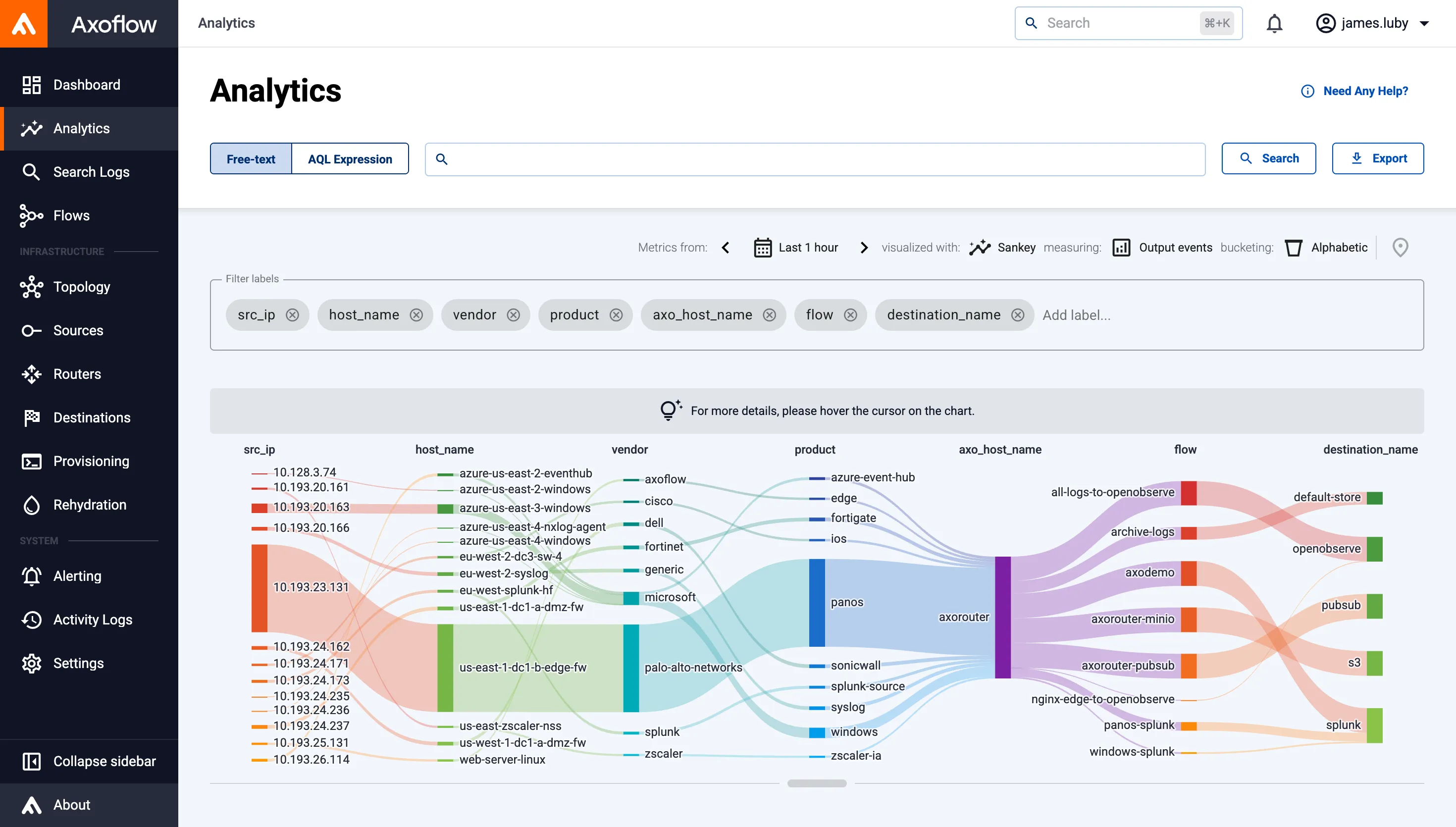
Monitor every AxoRouter and AxoEdge host, and the data flowing between them, from a single dashboard.

Troubleshooting data flow issues
Use the Topology page’s traffic-volume view and queue diagnostics to isolate throughput or connectivity problems.
Regulated & air-gapped
Deploy AxoConsole on-premises or fully air-gapped when your data can’t leave your network.
Governance & audit
Enforce least-privilege access with built-in roles, and track configuration changes through the activity log.
Frequently asked questions
What is AxoConsole?
AxoConsole is the management plane of the Axoflow Platform — the UI for accessing metrics and analytics, deploying and configuring AxoRouter and AxoEdge instances, and configuring data flows.
How can I deploy AxoConsole?
As a SaaS solution with no deployment required, self-managed on-premises, or in an air-gapped environment. Hybrid deployments are also supported.
How often does the Dashboard update?
All data on the Dashboard is automatically updated every 10 seconds.
Can I control who sees what in AxoConsole?
Yes. AxoConsole ships with built-in roles — IAM-admin, admin, infrastructure-manager, infrastructure-viewer, content-manager, and content-viewer — that can be assigned by email address, email domain, or user group.
How do I filter or troubleshoot the topology?
Use Basic Search or AQL Expression search to filter hosts, group them by labels, and switch to the Queues metric type to see buffer capacity, usage, and connection details per host.
Does AxoConsole expose my actual log data to every role?
No. Infrastructure-focused roles like infrastructure-manager can manage the pipeline without permission to view or tap log contents; only content-related roles can view log content.
Go deeper on AxoConsole
AxoConsole deployment
SaaS, on-premises, and air-gapped deployment options for AxoConsole.
Dashboard
An overview of the pipeline health metrics shown on the AxoConsole Dashboard.
Access management
Built-in roles and the authorization model for controlling access to AxoConsole.